
**Please take notes: Only Linux/Ubuntu OS can support this feature.
Step 1: Login into the counter.
Step 2: Click on  and find and select the
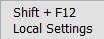 icon, or click on "Shift + F12" on the keyboard to open the Local Settings.
Step 3: Navigate to the "Font & Other" tab
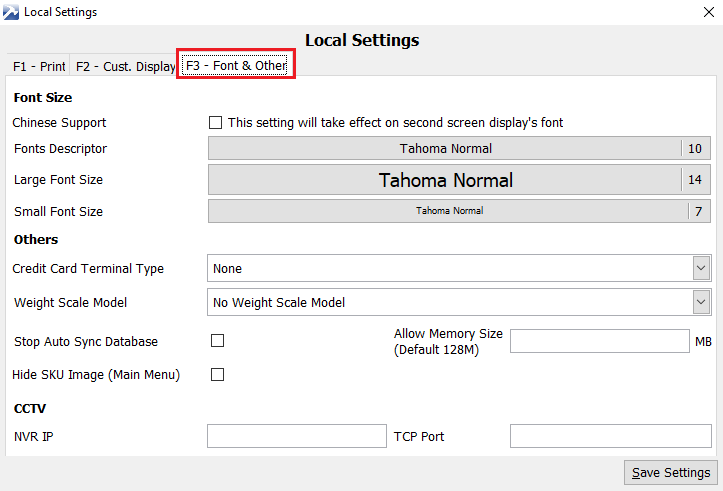
Step 4: Select "Credit Card Terminal Type" with "iCT220". Insert the serial port in "Credit Card Terminal Port".
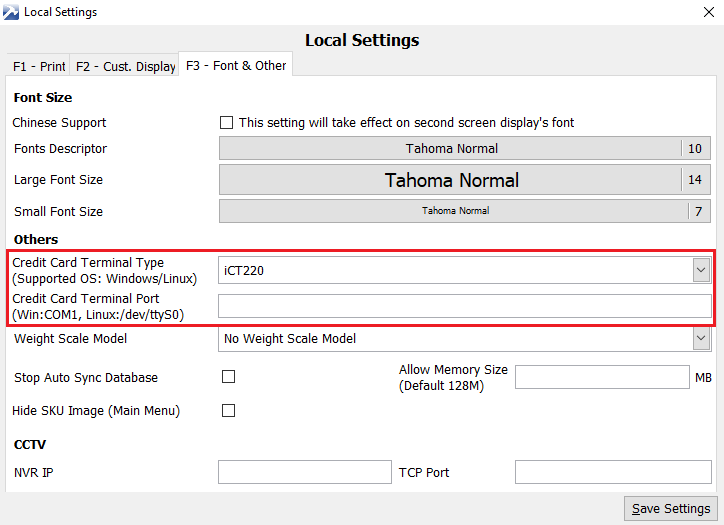
Step 5: Once confirmed, click on .
.